Since late June 2026 the SysMLv2 Simulation plugin for Magic Cyber-Systems Engineer® (Cameo Systems Modeler®) is here! It requires also a licence for Magic Model Analyst® (Cameo Simulation Toolkit®).
It is strictly EXPERIMENTAL, and there's quite a lot that one could do with Magic Model Analyst® (Cameo Simulation Toolkit®) for SysMLv1 that one can't yet do for SysMLv2, but there's certainly already a lot that one can do.
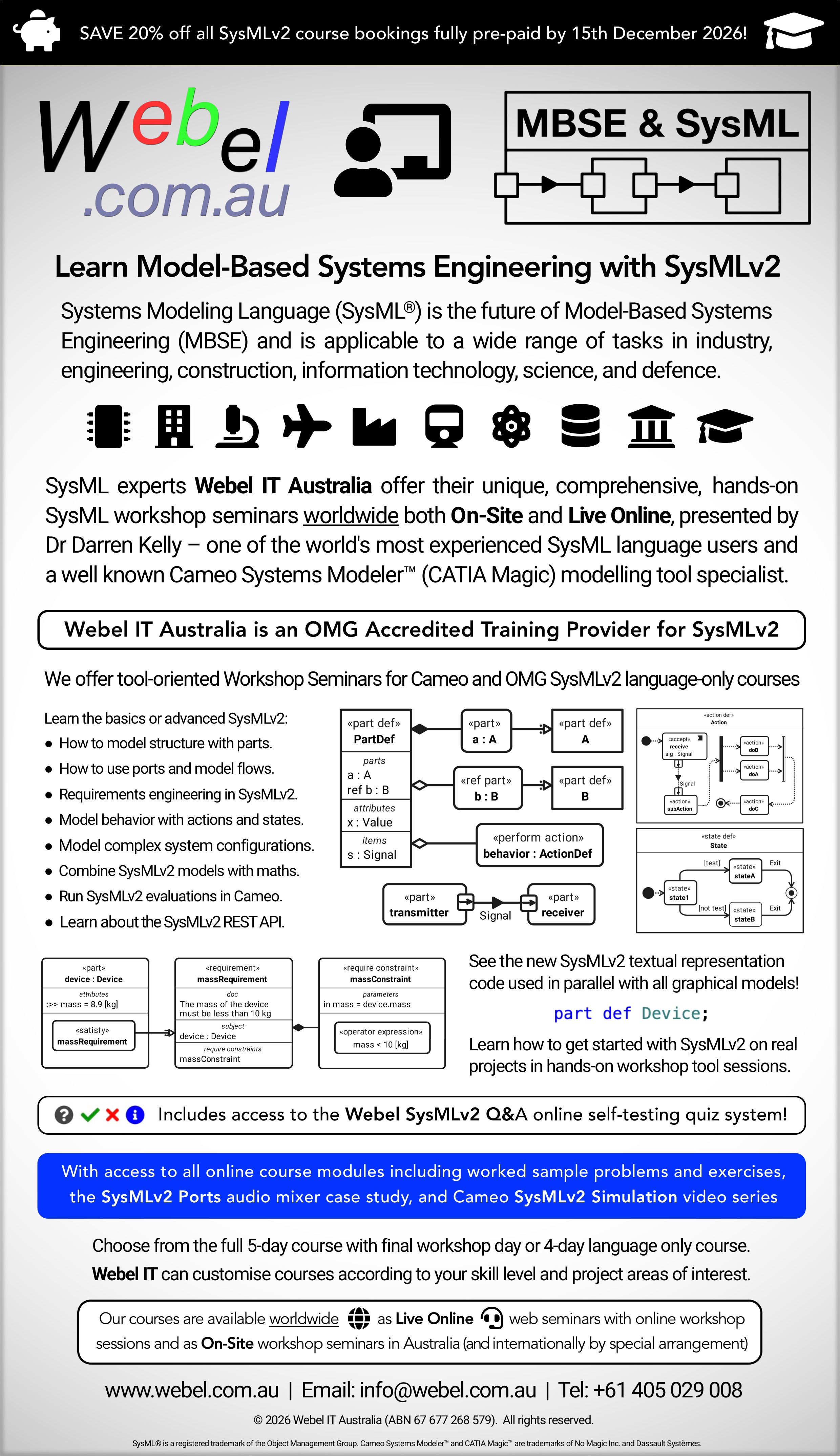
Webel IT Australia is ahead of the pack, and is already including examples and videos on SysMLv2 simulation in the Webel SysMLv2 courses:
[util:box_course_link{4957}]Some limitations of the current EXPERIMENTAL SysMLv2 Simulation plugin v2026xR1SP
For a full list of restrictions visit the official documentation under External Links, the following just indicates some main things to be aware of:
- Subsetting of parts is officially not supported yet.
- Some aspects involving directed features of ports only work with parts. You can use item definitions to type the parts, but item usages for directed features DO NOT always work.
- Binding connectors are restricted to only work with primitive types and simple enumerations. You can actually get around this for ports somewhat by using item definitions to type directed features as parts (!!!) then in bindings (and flows) access deeply nested primitive attributes (as demonstrated in detail in the Webel Mixer Ports case study
- There doesn't seem to be support for full animation of flows yet (compare with Magic Model Analyst® (Cameo Simulation Toolkit®) for SysMLv1).
- Only a limited range of simpler actions are available and only as state actions (entry, do, exit).
- It seems not to be able to execute actions directly yet at all.
- Exhibited state usages and sub-state state usages must be coded "inline" directly. None of the following are supported yet: feature typing of state usages by state definitions; redefinition of state usages; subsetting of state usages; reference subsetting of state usages; = binding of state usages; multiplicity of state usages; modifiers for state usages such as ordered.
- You can't reference an existing action usage by name as a state action, it has to be coded inline (possibly with a body with restricted simple actions per line).
- A transition to done does nothing (you have to terminate the simulation using the GUI). Similarly for terminate nodes.
- Binding connections only work between attribute usages of primitive types (not between parts, ports, items etc.
- Binding of a value (such as a port feature value) to a parameter of a state doesn't seem to be supported yet. Just instead a transition with an accept action via the port.
- Ports of states seems not to be supported.
- The very useful Time Series Chart only seems to work for Integer and Real values (not Boolean AFAICT).
- The simulation does not check the direction of a directed Features (between ports).
- Whilst constraints in satisfied requirements are supported, asserted constraints in a part seem not to be (they ARE supported in the Evaluation Plugin).
- The simulation will run with interface connections shown using port proxy notation BUT it won't then show the last visited animation on the connection.
- Transition accept actions work as triggers only; any attempt to actually consume even a simple real
r:Realin a following effect action do statement either causes a payload drop or a "hang". Similarly, trying to use ther:Realin an if guard fails. - There doesn't seem to be any way of monitoring values at a port sent over an interface with flow (if you look at all of the provided simulation samples so far they actually only use port bindings when a value is needed, not packets transmitted over an interface with flow).
GOTCHA: If you use Stop a simulation it will close the Time Series Chart which can be inconvenient if you have it nicely configured and placed as a docked window.
Some things to be mindful of
- Use interface usages with interface definitions for all port-to-port connections.
- For flows use flows within interface definitions.
- You can only "run" (launch the Simulation windows) from a «part» usage (not a «part def»).
- Use a part, not an item, for anything you wish to inspect in the values monitor.
Some things known to work
- An «item def» works fine for a
payloadfor transition accept triggers. It is not restricted to primitive attribute types. - State usages CAN be structured (although the current guide to the experimental version says the Composite State is not supported, which is clearly wrong because the provided examples used structured exhibited state usages).
See it in action!
To really learn about how to best use the Simulation Plugin right now on real projects effectively subscribe to one of these Webel SysMLv2 Online course modules – best as part of the Webel SysMLv2 Combined course bundle: [util:box_course_link{4957}]Learn SysML for MBSE with a Webel IT Australia Live Online web seminar or On-Site course!
Please email or phone Webel IT Australia on +61 405 029 008 to arrange On-Site, Off-Site, or Live Online remote web training seminars and workshops.
Webel IT Australia is an OMG-Accredited Training Provider for SysML v2 & v1!